Godot Voxel obj Filter
A downloadable tool
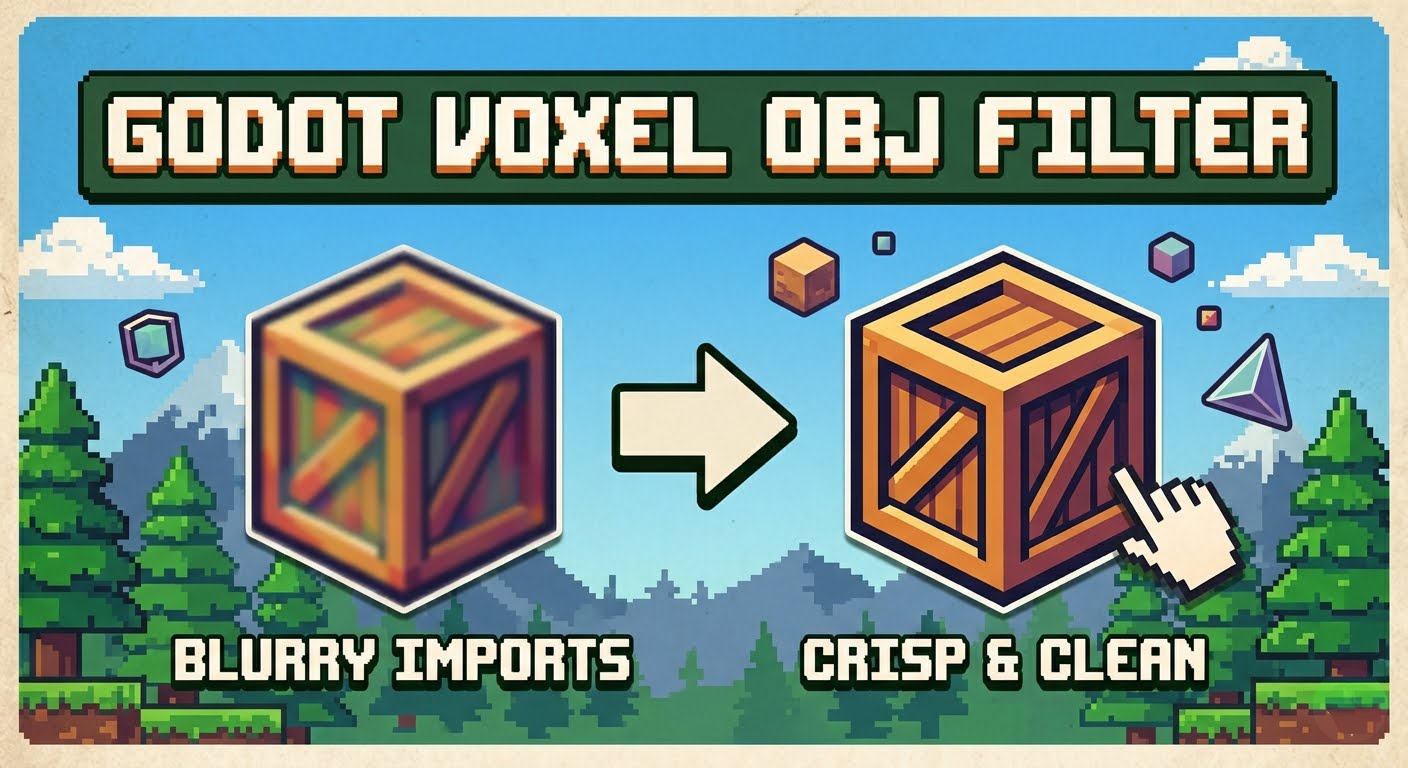
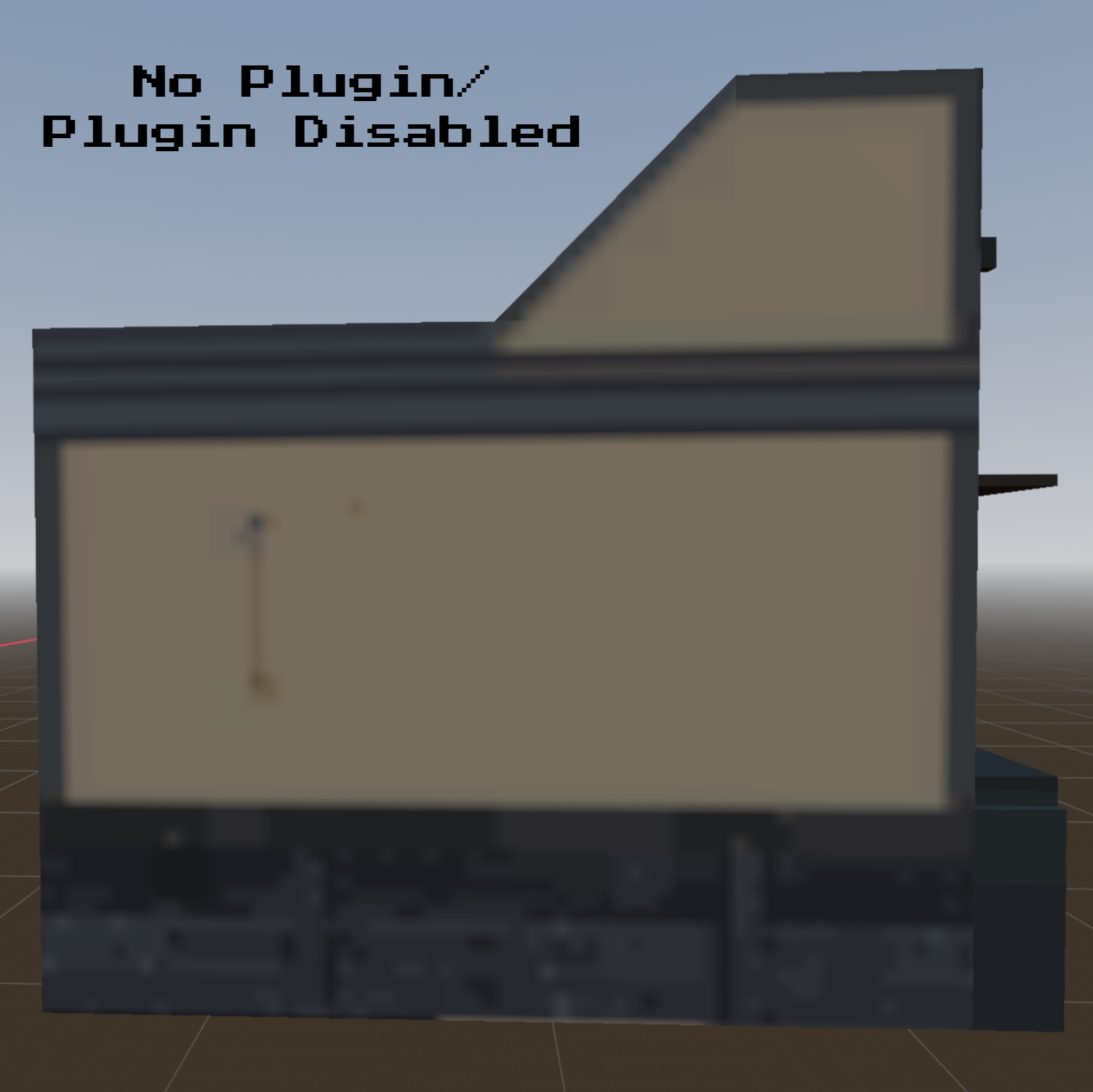
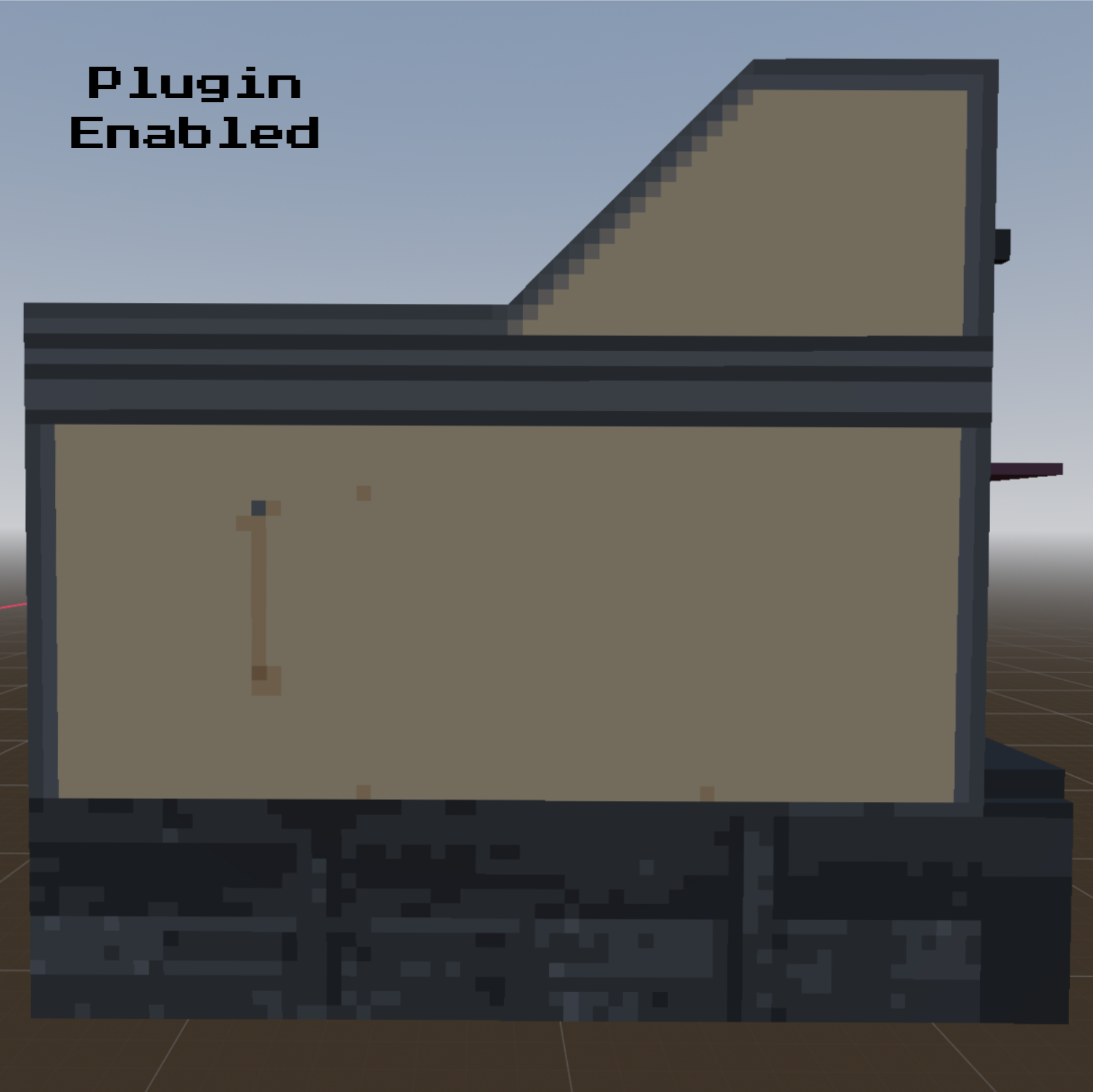
Tired of Godot blurring your voxel art 3D textures upon import?
By default, Godot's 3D pipeline applies linear filtering to imported .obj files, bypassing global project settings. Fixing this usually requires manually altering import presets, digging into material settings, or resetting the editor cache for every single asset.
Godot Voxel obj Filter completely automates this workflow. It catches your .obj files when importing into your scene and prompts you to instantly apply crisp, nearest-neighbor filtering to the new .obj/meshInstance3D node.
Features
- One-Click Workflow: Automatically detects newly imported
.objfiles and prompts you to update them instantly. - Selective Filtering: Choose exactly which models get the retro/pixel treatment without breaking high-res assets or UI elements elsewhere in your project.
- Zero editor reloads required. Powered by Godot's native EditorFileSystem API to update your 3D viewport instantly.
- Lightweight & Native: Built purely in GDScript as a tool plugin. No heavy dependencies or bloated setups.
How It Works
- Drop your
.objfiles into your Godot project. - A prompt will appear asking if you want to apply nearest-neighbor texture filtering.
- Click "Yes"—the plugin automatically processes the mesh materials and silently forces a VRAM refresh. Your model is instantly crisp in the viewport!
Installation
- Download the folder and paste the folder inside the
addons/folder into your Godot project directory. - Go to Project > Project Settings > Plugins.
- Locate voxel_nearest_filter and switch the status to Enabled.
Disclosure: Gemini Nano Banana 2 was used to generate the cover image for this project. The plugin code and screenshots I made myself.
Download
Click download now to get access to the following files:
Leave a comment
Log in with itch.io to leave a comment.